
3 min readXtreme HD IPTV Team
IPTV Box Setup Guide
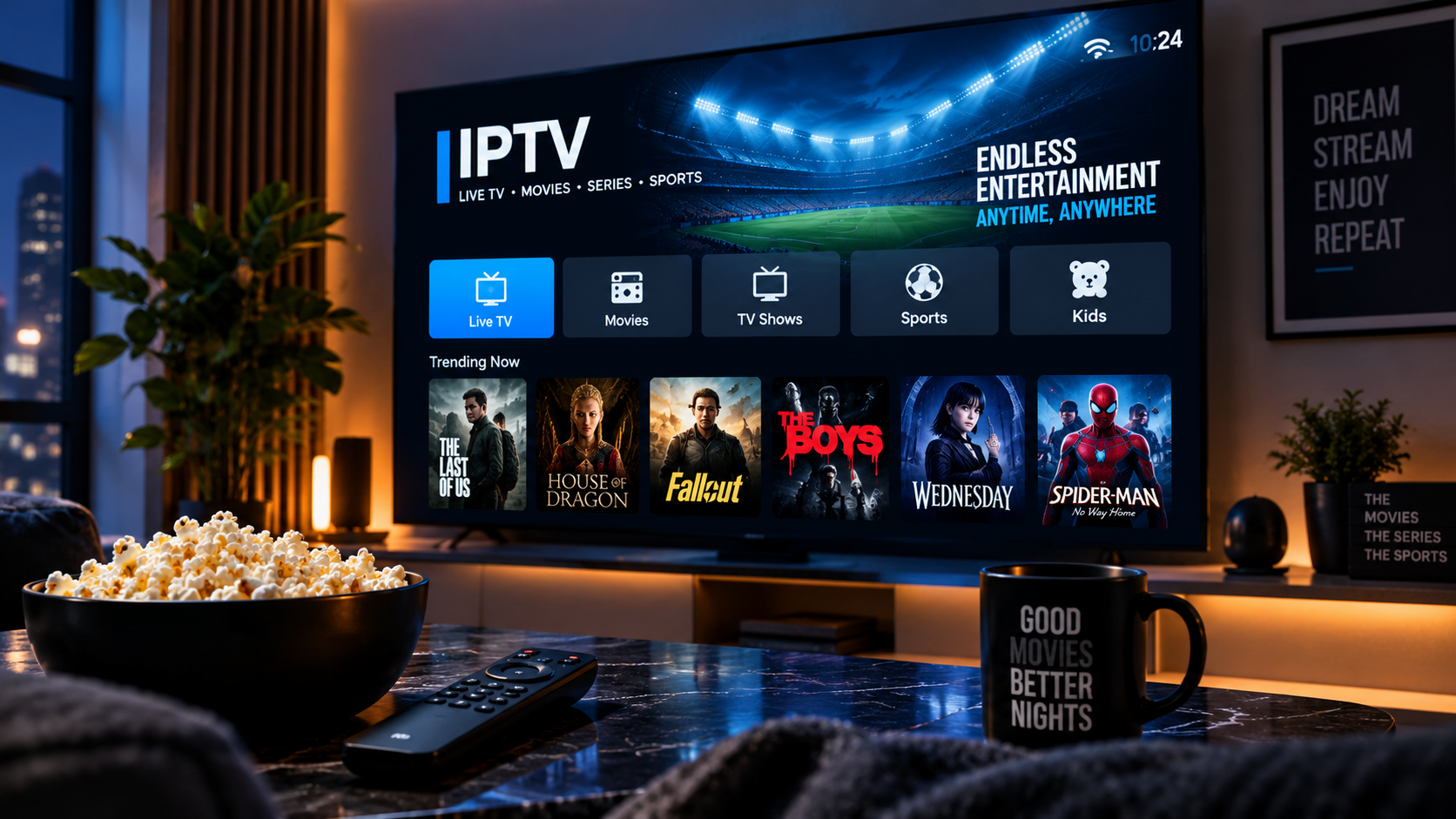
Connecting the box to your TV
Connect your IPTV box to your TV using an HDMI cable, power it on, and complete any initial device setup, such as connecting to your Wi-Fi network or ethernet.
Installing an IPTV player app
Most IPTV boxes run Android, giving you access to the Google Play Store or a similar app store to install a compatible player app.
Logging in and loading channels
Open the installed app and enter your Xtreme HD IPTV login details. Your live channels, on-demand content, and EPG should load shortly after connecting.